-
Open OnePart Console in your web browser at http://<ONEPART_SERVERNAME>:<BASEPORT> For example,
http://host:10000
-
Enter the administrator’s Login / Password:
app-admin / exalead (by default)
-
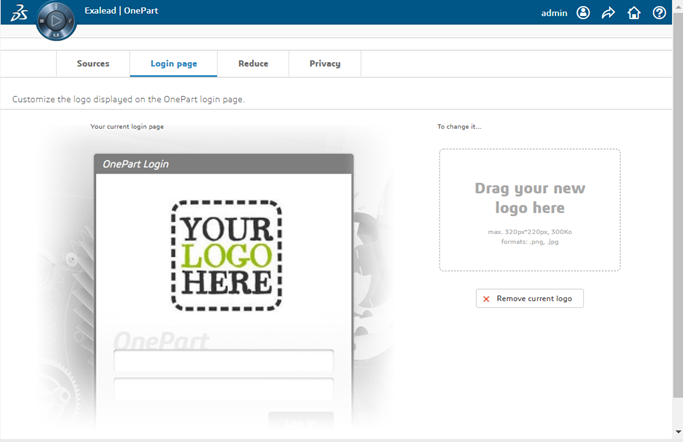
Click the Login page tab.
-
Drag your logo to the provided zone. File requirements:
- Maximum size: 320px * 220px, 300Ko
- Allowed formats: PNG, JPG
-
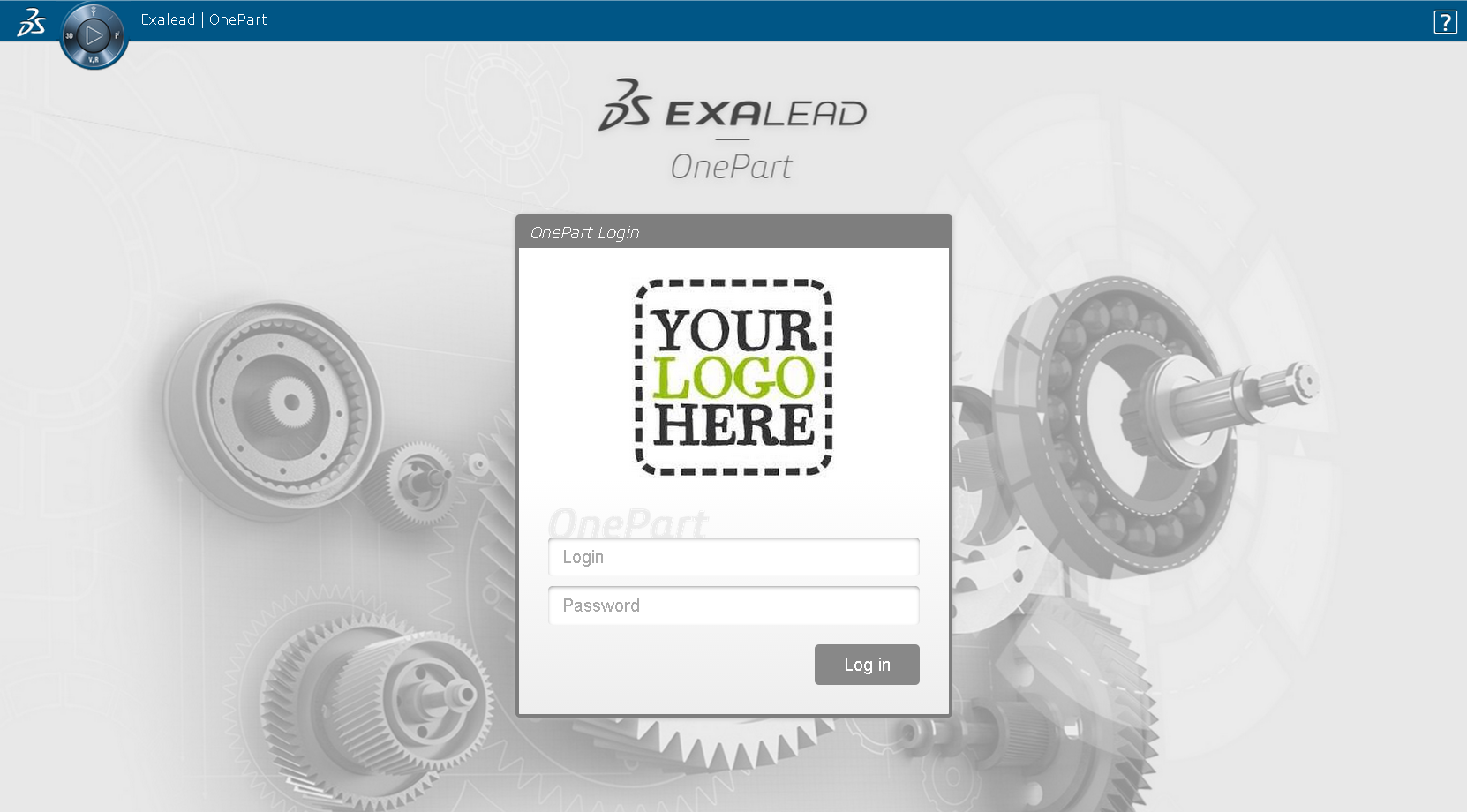
Logout and then log back in. It should look something like this, for example:
|